
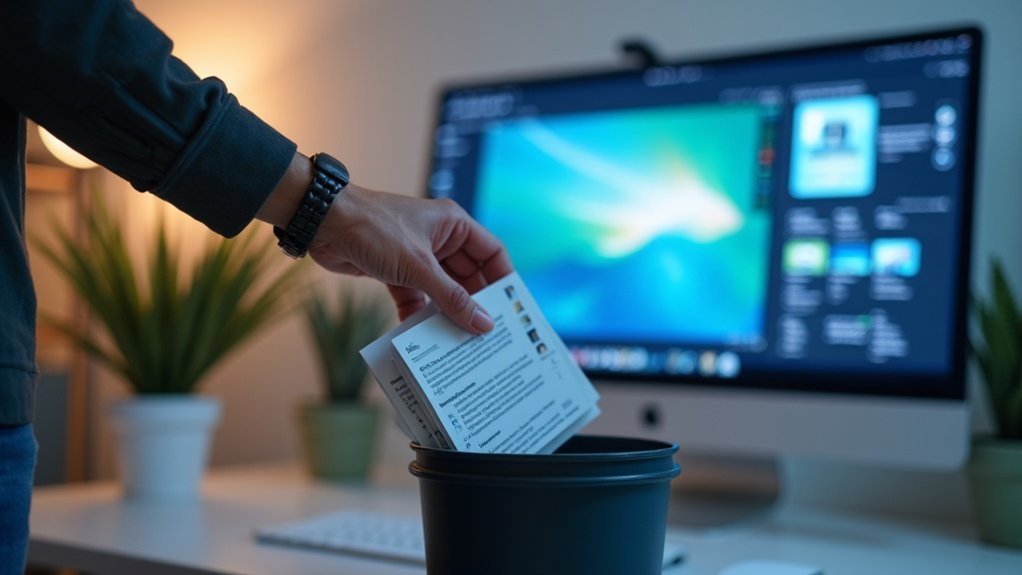
To systematically replace outdated screenshots, establish a regular review schedule to identify visuals that need updates. Use version control to track changes and solicit user feedback to spot issues. Employ tools like Snagit for efficient editing, utilizing features like “Smart Move” and direct text edits. Document outcomes and maintain a checklist for accountability. Engaging with users can provide valuable insights for continuous improvement. Stick around to discover more effective strategies for enhancing your visual content!
Key Takeaways
- Conduct regular documentation reviews to identify and replace outdated screenshots systematically.
- Utilize version control systems like Git to track changes and highlight outdated visuals.
- Implement a systematic tagging process for easy identification of screenshots needing updates.
- Schedule periodic audits, ideally monthly or quarterly, to ensure visuals remain relevant.
- Engage users for feedback on screenshots to pinpoint inaccuracies and areas for improvement.
Importance of Keeping Screenshots Updated
Keeping your screenshots updated is essential because it directly impacts how users interact with your product. When you prioritize keeping screenshots updated, you provide users with the most accurate and relevant visual information, reducing confusion and errors.
This practice not only enhances the overall user experience but also lowers support costs by minimizing the need for assistance due to outdated visuals. Furthermore, fresh screenshots foster trust and satisfaction, helping to keep user churn rates low.
Identifying Screenshots That Need Replacements
Outdated screenshots can mislead users and hinder their experience, so identifying which ones need replacements is vital for maintaining accurate documentation.
Start by regularly reviewing your documentation to spot screenshots affected by software updates or feature changes. Use version control systems like Git to track documentation changes, highlighting screenshots that may require updates.
Regularly review documentation to identify outdated screenshots and utilize version control systems to manage updates effectively.
Solicit user feedback to discover areas where screenshots no longer reflect the current interface. Implement a systematic tagging process to mark outdated screenshots, and schedule periodic audits of your visual content.
This proactive approach guarantees your documentation remains relevant and user-friendly.
Utilizing Snagit for Efficient Edits
When it comes to updating documentation, utilizing Snagit can considerably streamline your editing process.
With its “Smart Move” feature, you can reposition text and objects effortlessly, keeping the integrity of your screenshots intact. When you take screenshots, double-clicking on text allows you to edit directly, matching the original font and color.
The “Fill” feature helps customize background colors for improved visibility. Plus, you can resize images to fit specific dimensions, ensuring consistent documentation.
Establishing a Regular Review Schedule
To guarantee your documentation remains relevant, establishing a regular review schedule is essential. Conducting reviews monthly or quarterly helps you systematically identify which screenshots need to be replaced due to software updates or new features.
Using a checklist during these reviews keeps track of updated screenshots and those still needing attention. Engaging team members fosters collaboration, ensuring diverse perspectives are considered when evaluating screenshot relevance.
Additionally, document the outcomes of each review session, noting which screenshots were replaced and why. This creates a valuable reference for future reviews, enhancing accountability and maintaining the accuracy of your documentation.
Engaging Users for Feedback on Visuals
How can you guarantee your documentation remains user-friendly and accurate? Engaging users for feedback on visuals is key. Regular input helps pinpoint outdated screenshots and align visuals with user expectations.
- Create an easy online feedback form.
- Encourage users to report issues directly.
- Foster community discussions about visuals.
- Implement user suggestions for improvements.
- Regularly review feedback for ongoing accuracy.
When users take a screenshot of an issue, it provides clear context, making your updates more effective.
