
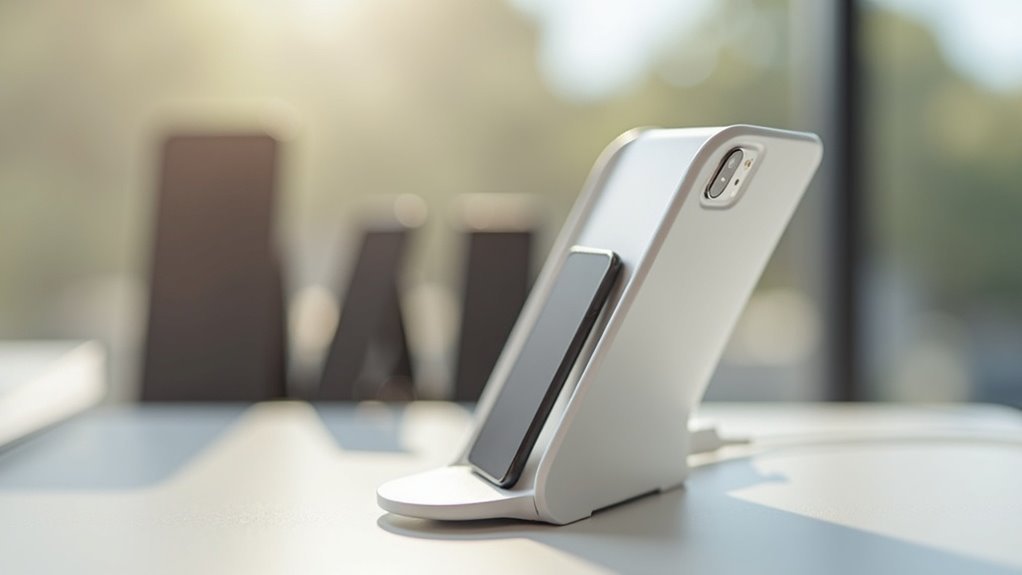
To reduce connector wear, consider charging stands using wireless technology and magnetic alignment features. Stands like the Belkin BoostCharge Pro and Nomad MagSafe Stand offer fast, efficient charging while minimizing physical connections. Adjustable designs and sturdy constructions add to their effectiveness by preventing accidental drops and allowing convenient viewing angles. Regular maintenance, such as cleaning ports, can enhance efficiency too. Discover more options and tips to protect your devices as you continue exploring this topic.
Key Takeaways
- Wireless charging stands eliminate the need for cables, significantly reducing connector wear over time.
- Magnetic alignment features, like those in MagSafe stands, minimize stress and damage to charging connectors.
- Adjustable angle designs allow users to position devices optimally, reducing unnecessary connector strain.
- Sturdy construction in charging stands prevents accidental drops, protecting connectors from potential damage.
- Built-in cooling systems help maintain device health, indirectly preserving connector integrity by preventing overheating.
The Importance of Reducing Connector Wear
As you frequently plug and unplug your devices, you may not realize how much connector wear can impact their longevity. Reducing connector wear is essential because constant use can damage charging ports and cables, leading to diminished durability and poor charging performance.
Wireless charging options, like charging stands, eliminate the need for physical connectors, preventing wear on both your device’s charging port and cables. This not only enhances the lifespan of your devices charged but also improves your overall charging experience.
Features of Effective Charging Stands
Effective charging stands are designed to enhance your charging experience while minimizing wear on your devices. They eliminate the need for frequent plugging and unplugging, considerably reducing connector damage. With magnetic alignment, like MagSafe or Qi2, you get a secure connection without direct contact. Features such as adjustable angles let you position your devices conveniently, while sturdy construction materials provide stability and protection. Additionally, advanced stands often include overheating prevention through built-in cooling fans, promoting device health and improving charging speeds.
| Feature | Benefit |
|---|---|
| Magnetic Alignment | Reduces connector damage |
| Adjustable Angles | Enhances accessibility |
| Sturdy Construction | Increases stability |
| Overheating Prevention | Maintains device health |
| Fast Charging | Improves charging speeds |
Top Charging Stands for Connector Protection
Choosing the right charging stand is crucial if you want to protect your device’s connectors from wear and tear. A wireless charging stand like the Belkin BoostCharge Pro offers fast wireless charging for Qi-compatible devices, eliminating the stress on charging ports.
Models featuring magnetic charging, such as the Nomad MagSafe Stand, guarantee precise alignment, reducing strain on connectors.
Multi-device charging stations like the SIIG 90W 10-Port USB Station allow simultaneous charging without repetitive connector use, preserving integrity across devices.
Opt for stands made from robust materials to enhance device stability and offer additional protection against scratches and damage for long-lasting use.
Comparing Charging Stand Designs
When it comes to evaluating charging stand designs, you’ll find that each option brings unique features that cater to different user needs.
Wireless charging stands effectively eliminate connector wear by avoiding direct cable connections. Models with magnetic alignment, like MagSafe chargers, further reduce stress on device connectors.
Many charging surfaces incorporate rubber padding, preventing slippage and minimizing movement-related wear. Adjustable stands enhance user experience by allowing ideal viewing angles, keeping devices securely in place.
Additionally, high-quality designs often include built-in cooling systems, preventing heat-induced damage and ensuring the longevity of both the charging stand and your device connectors.
Tips for Maintaining Your Charging Equipment
To maintain your charging equipment effectively, consider adopting a few simple practices that can greatly extend its lifespan.
Use a wireless charging stand to eliminate the need for physical connections, reducing wear on device charging ports.
Opt for charging pads with case compatibility, so you can charge wirelessly without frequent plug-ins.
Choose stands with adjustable angles to minimize stress on the connector and guarantee it rests comfortably.
A sturdy build prevents accidental drops that can damage connectors.
Finally, regularly clean your charging ports to remove dust and debris, preserving connector integrity and enhancing charging efficiency for all your devices.
