
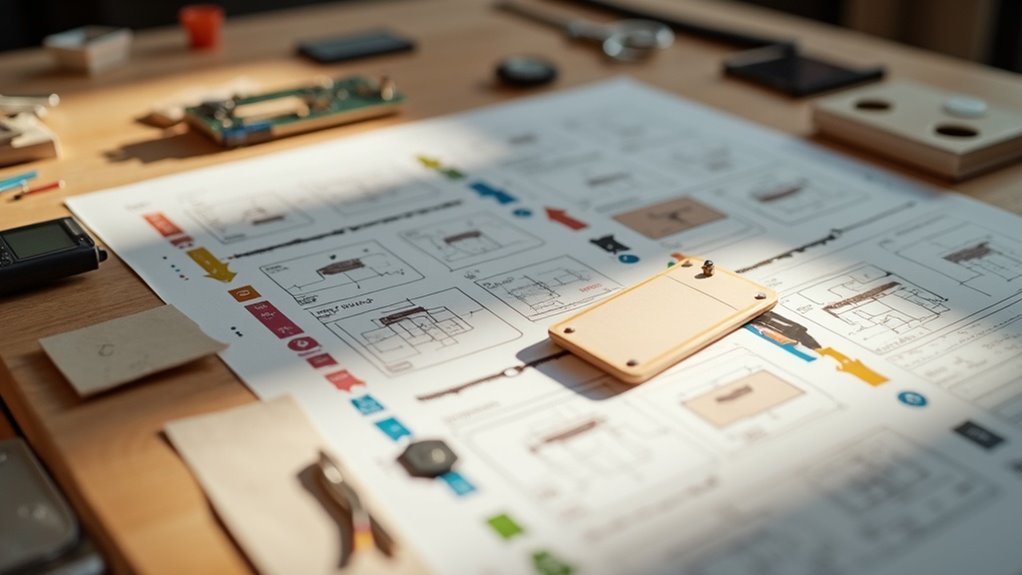
Effective step photos clarify assembly instructions by providing clear visual guidance. Make sure your photos are high-quality, with consistent lighting and perspective. Use close-ups for intricate details and annotations to highlight key elements. Include sequential images to guide users through the process and avoid outdated visuals to prevent confusion. Accurate, well-labeled visuals foster confidence and ease during assembly. You’ll discover helpful tips and practices to elevate your assembly guides as you explore further.
Key Takeaways
- High-resolution, clear images enhance understanding and reduce errors during assembly tasks.
- Sequential photos provide a step-by-step guide to facilitate the assembly process effectively.
- Close-up shots highlight intricate details, ensuring accurate identification of components.
- Action shots illustrate specific actions required, improving clarity and user confidence.
- Consistent angles and realistic colors help users match components accurately and reduce frustration.
Importance of Step Photos in Assembly Instructions
When you’re tackling assembly tasks, step photos in instructions play an essential role in ensuring you grasp each stage effectively.
These pictorial aids enhance understanding by visually illustrating each step, making complex tasks more manageable. By following step-by-step instructions paired with clear images, you’re likely to retain information better and feel more confident in your abilities.
Additionally, realistic photos help you accurately match components and actions, reducing errors during assembly. This visual clarity makes instructions accessible to a wider audience, ultimately leading to less frustration and a more satisfying assembly experience, minimizing the need for support calls.
Characteristics of Effective Step Photos
To create effective step photos, you need clear visual representations that capture each action without ambiguity.
Consistent perspective and scale across your images guarantee that you maintain orientation throughout the assembly process.
Highlighting key details with annotations or arrows can further guide you, making the instructions intuitive and straightforward.
Clear Visual Representation
Effective step photos serve as essential guides in the assembly process, making it easier for you to understand and follow instructions. A clear visual representation is vital; using realistic colors helps you identify parts and comprehend actions required.
Each photo should showcase the entire object or action, not just a part, providing a complete context. Pictorial instructions should always be drawn to scale, ensuring you visualize the actual size and relationships of components accurately.
Additionally, arrows and indicators can effectively guide you through the steps, making the assembly intuitive and transforming your experience into a straightforward step-by-step guide.
Consistent Perspective and Scale
Three key elements—consistent perspective, scale, and color—are essential for effective step photos in assembly instructions. Maintaining a consistent perspective allows you to relate each image to the assembly process without confusion.
Using the same scale throughout helps you accurately gauge component sizes, preventing misinterpretation. High-quality images that show the entire object at each step provide better context and clarity, enhancing your understanding.
Incorporating realistic colors distinguishes different parts, contributing to a clearer comprehension of the assembly process. Together, these characteristics improve pictorial assembly instructions, making it easier for you to follow along and complete your project successfully.
Highlighted Key Details
Highlighted key details in effective step photos play a crucial role in guiding you through the assembly process.
Pictorial representations should be drawn to scale, allowing you to visualize component sizes accurately. Consistent angles throughout the instructions provide clarity, helping you follow each step without confusion.
Realistic colors enhance your understanding, making it easier to differentiate parts and actions. Each photo should depict the entire object, not just the immediate action area, offering a thorough view.
Incorporating arrows clearly indicates movements and connections, ensuring the instructions provide the necessary guidance to clarify text and make assembly straightforward.
Best Practices for Taking Step Photos
To guarantee your step photos effectively guide users through the assembly process, focus on capturing high-resolution images that clearly showcase the details of each component. Maintain consistent lighting and a neutral background to prevent distractions. Capture images from multiple angles and include close-ups of critical connections. Use arrows or annotations to enhance clarity.
| Best Practices | Description |
|---|---|
| High-Resolution | Ensure details are clear and identifiable |
| Consistent Lighting | Keep focus on assembly components |
| Multiple Angles | Provide a thorough view of parts |
| Annotations | Guide users with arrows and notes |
Types of Step Photos to Include
When assembling a project, including various types of step photos can greatly enhance your understanding of the process.
Start with sequential photos to guide you through each assembly step in order. Close-up shots are essential for showcasing intricate details, ensuring you accurately identify parts and their placements.
Action shots illustrate the specific actions required, making it easier to follow along. Before and after images highlight expected results, helping you grasp what to achieve at each stage.
Utilizing Exploded Views for Clarity
Using exploded views in your assembly instructions can markedly enhance component visibility, making it easier for you to identify each part.
These illustrations simplify the assembly sequence, clearly showing how each component fits together.
Enhanced Component Visibility
Exploded views dramatically enhance component visibility during the assembly process. By separating components visually, these exploded views allow you to easily identify individual parts and their relationships.
This clarity is essential when you assemble the product, especially for complex items. Enhanced visibility helps you understand how each component fits into the overall structure, reducing potential errors.
Studies show that when users have access to these visuals, they simplify the cognitive load required to comprehend instructions. Incorporating exploded views not only decreases assembly time but also boosts your satisfaction with the process, making it a smart choice for any assembly guide.
Simplified Assembly Sequence
By visually breaking down the assembly process, simplified assembly sequences make it easier for you to grasp how components fit together.
Utilizing exploded views in your assembly instructions allows you to identify individual parts while maintaining their spatial relationships. These visual aids improve your comprehension by illustrating the assembly steps clearly, reducing confusion.
You’ll see the orientation and placement of each component before starting assembly, which can lead to fewer errors. Research shows that well-designed exploded views not only decrease assembly time but also boost user satisfaction, enhancing your overall experience with the product.
Embrace these tools for a smoother assembly process.
Aligning Photos With Text Instructions
While aligning photos with text instructions may seem like a minor detail, it greatly enhances your understanding of the assembly process. By providing visual context that directly corresponds to each step, you can grasp the instructions more easily.
Consistently placing images next to relevant text reduces cognitive load, allowing you to quickly reference visuals as you follow along. Using a sequential order for photos that matches the written steps prevents confusion. Incorporating arrows in images to highlight specific actions reinforces connections.
Finally, maintaining a cohesive style in both photos and text promotes comprehension and retention of the entire assembly process.
Common Mistakes to Avoid in Step Photos
When creating step photos for assembly instructions, avoiding common mistakes can greatly enhance user experience.
First, make sure your step photos are taken from a consistent angle; this clarity helps users relate images to the process. Use high-quality, large images to prevent misinterpretation caused by small or blurry visuals.
Keep backgrounds uncluttered to maintain focus on assembly components. Additionally, incorporate clear, labeled diagrams to reinforce understanding of each step.
Finally, regularly update your step photos to reflect the latest product designs, as outdated visuals can lead to errors and frustration for users.
Enhancing User Experience With Step Photos
To enhance your experience with assembly instructions, incorporating step photos can make a significant difference. These visual aids provide essential context, helping you understand each step while reducing errors.
Research shows that step photos improve information retention, especially for novice users, making assembly easier and more efficient. High-quality images, drawn to scale and taken from consistent angles, allow you to identify components confidently.
Clear, well-labeled photos concretize complex concepts, streamlining the process and increasing satisfaction. By integrating step photos, you not only simplify assembly but also minimize the need for support calls, ensuring a smoother user experience.
